A good desk size guide starts with three numbers: width, depth and height. Get those right for the way you actually work, and the rest of a home office falls into place. This guide walks through each dimension, with measurements in inches, so you can match a desk to your equipment, your body and your room.
Standard Desk Height and the Seated-Height Relationship
The standard desk height for a fixed desk is about 28 to 30 inches from the floor to the top of the work surface, and 29 inches is the figure you will see most often. That range is built around an average adult sitting on a chair of typical height.
The useful idea behind it is the seated elbow. Ergonomics guidance from universities and workplace-safety groups generally suggests that when you sit with your feet flat and your back supported, your elbows rest at roughly 90 to 110 degrees and your forearms stay close to level with the keyboard. In other words, the desk should meet your arms, not the other way around.
To check this at home:
- Sit with your feet flat on the floor and your upper arms relaxed at your sides.
- Bend your elbows and note where your forearms land.
- Measure from the floor to that point. That is a good target for the keyboard surface.
If your seated elbow height falls well above or below the 28 to 30 inch band, you have two simple fixes: raise or lower the chair (adding a footrest if your feet no longer reach the floor), or choose an adjustable-height desk. A fixed desk that is a little too tall is usually easier to live with than one that is too low, because you can raise the chair.
Desk Width by Setup
Width decides how much gear fits on the surface and how much elbow room you have on each side. The ranges below are common starting points; adjust them for how much paper, hardware or desk accessories you use.
| Setup | Suggested width | Notes |
|---|---|---|
| Laptop only | 36 to 48 in | Room for a laptop, mouse and notebook |
| One monitor | 48 to 60 in | A 55 in desk is a common middle choice |
| Two monitors | 60 to 72 in | Space for side-by-side screens plus a keyboard |
| L-shaped | 60 to 72 in main side, 48 to 58 in return | Separate zones for computer and paperwork |
| Shared by two | 70 in and up | The combined width of both setups from the table above |
Laptop and one-monitor desks
A laptop user can work comfortably on a 36 to 48 inch surface, which also suits an apartment or a corner of a bedroom. Add a single external monitor and 48 to 60 inches gives you space for the screen, a keyboard, a mouse and a notebook without crowding. A 55 inch desk sits right in the middle of that range, and a 48 inch desk suits the smaller end when you want storage such as shelves and drawers built in.
Desk size for two monitors
For the desk size for two monitors, plan on 60 to 72 inches. Two 24 inch screens placed side by side take up roughly 40 inches of width on their own once you count the bezels, and you still need room for a keyboard and for your arms to move. If you add a laptop, a speaker or a lamp, lean toward the wider end. A 60 inch desk with drawers or a file cabinet gets you the lower end of that range with paperwork storage included.
L-shaped desks
An L-shaped layout gives you two work zones: a main side of 60 to 72 inches for the computer and a return of 48 to 58 inches for writing, printing or a second device. It uses a corner efficiently, but it needs more floor space than a straight desk, so measure the room before you commit.
How Deep Should a Desk Be?
If you are wondering how deep should a desk be, the common range is 20 to 30 inches. Depth affects how far your screen sits from your eyes, and that matters more than most people expect.
- 20 to 24 inches: works for a laptop, a notebook and a small lamp. It is a good fit for compact rooms.
- 24 to 30 inches: suits a single monitor, with enough room to push the screen back and keep the keyboard in front of you.
- 30 inches or more: helps with two monitors, large screens or an L-shaped corner, where the screens need to sit farther away.
Guidance from universities and workplace-safety agencies commonly places the screen about an arm’s length from your eyes, which for many adults is roughly 20 to 28 inches. A desk that is too shallow forces the monitor close to your face or pushes the keyboard to the edge. A 24 inch depth is workable for one screen, but if you are choosing between 24 and 30, the deeper desk is more forgiving.
Screen height matters alongside distance. Most guidance suggests setting the top of the screen at about eye level, or slightly below it, so you look straight ahead or a little down. A monitor stand or riser can help if your desk depth is limited.
Standing Desk Height Chart
A standing desk follows a similar logic, only now the reference point is your standing elbow. The general rule is to set the surface near elbow height, with your elbows bent about 90 degrees and your shoulders relaxed. Use the standing desk height chart below as a starting point, measured with the shoes you normally wear.
| Your height | Starting desk height | Range to test |
|---|---|---|
| 5 ft 0 in | 36 in | 35.5 to 37 in |
| 5 ft 2 in | 37 in | 36.5 to 38 in |
| 5 ft 4 in | 38 in | 37.5 to 39 in |
| 5 ft 6 in | 39 in | 38.5 to 40 in |
| 5 ft 8 in | 40.5 in | 40 to 41.5 in |
| 5 ft 10 in | 42 in | 41 to 43 in |
| 6 ft 0 in | 43.5 in | 42.5 to 44.5 in |
| 6 ft 2 in | 44.5 in | 43.5 to 45.5 in |
| 6 ft 4 in | 46 in | 45 to 47 in |
Treat the table as a guide, not a rule. Arm length, shoes and keyboard thickness all shift the right number by an inch or so. If you fall between two rows, start with the lower value and raise it if your shoulders creep upward. A desk with a wide height range also needs to reach down to your seated height, so check both ends of the adjustment before buying.
Clearance Behind the Chair
Desk size is only half of the layout. You also need room to pull the chair out, stand up and walk past. Plan on about 24 to 36 inches between the back edge of the chair and the nearest wall or furniture. Closer to 36 inches lets you move freely; closer to 24 inches is workable if the chair is not the rolling type or you rarely get up.
Leg space under the desk matters too. Check that your knees and thighs clear the underside, especially with desks that have drawers or a modesty panel. A shallow drawer unit can limit how close you can sit.
Small-Space Options
A home office does not need a dedicated room. These formats help when floor space is limited:
- Writing desks: typically 36 to 48 inches wide and 18 to 24 inches deep, which suits a laptop and a notebook. A 55 inch writing desk is slightly larger if you want some extra elbow room.
- Wall-mounted and corner desks: keep the floor open and use otherwise empty wall space. Corner designs often need about 48 inches along each wall.
- Mobile standing desks: they roll out of the way and adjust to different heights. Check the adjustable height range, for example 28.5 to 42.5 inches, against the chart above.
In a small room, depth often matters more than width. Pushing a 24 inch deep desk against a wall frees more floor than a wider, shallower one.
Desks for Two
When two people share a workspace, add up the width each person needs from the table above (for example, two single-monitor setups side by side) so neither has to work at the edge of the desk. Practically, that means a long desk of 70 inches or more, or two separate desks side by side.
A desk of about 78 inches falls in that range. If the two users differ in height, an adjustable desk or a chair with a footrest helps both of them reach a comfortable working position. Leave about 24 inches of clearance behind each chair, and more if people will walk behind someone seated.
Choosing Your Desk
Put the numbers together by working backward from the room. Measure the wall space, subtract about 30 inches for chair clearance, and see which depth and width fit. Then compare that against the equipment you actually use. You can browse the full range of office furniture to compare sizes once you have a target. Irfal ships free on every order from US warehouses, usually in 3 to 8 business days.
The figures in this guide are general ergonomic starting points drawn from published workplace guidance, not individual advice. If you have specific needs, an occupational ergonomics professional can assess your setup in person.
Quick Checklist
- Fixed desk height of 28 to 30 inches, with a chair that lets your elbows sit near 90 degrees.
- Width: 36 to 48 inches for a laptop, 48 to 60 for one monitor, 60 to 72 for two.
- Depth: at least 24 inches for one screen, 30 inches for larger or dual screens.
- Screen about an arm’s length away, with the top at or slightly below eye level.
- Standing desk surface near standing elbow height, tested in your usual shoes.
- 24 to 36 inches of room behind the chair.
- Shared desk: add together the width each person needs.
Frequently asked questions
What is the standard desk height?
Fixed desks are usually 28 to 30 inches tall, with 29 inches the most common. The right height is the one that lets your elbows rest near 90 degrees when you sit with your feet flat.
How deep should a desk be?
Most desks are 20 to 30 inches deep. 24 inches works for a laptop or one monitor, while 30 inches gives more room for two monitors or a screen placed about an arm's length away.
What desk size do I need for two monitors?
Plan on 60 to 72 inches of width and about 30 inches of depth. That leaves space for both screens, a keyboard and room for your arms.
How do I choose a standing desk height?
Set the surface near your standing elbow height with your elbows bent about 90 degrees. As a starting point, someone 5 ft 8 in often begins around 40 inches. Adjust from there in the shoes you normally wear.
How much space should I leave behind my desk chair?
About 24 to 36 inches between the chair and the nearest wall or furniture lets you stand up and move around comfortably.
How wide should a desk for two people be?
Add up the width each person needs: look up each setup (laptop, one monitor, two monitors) in the width table and combine them, then check that both people have room for their chairs side by side.
Last updated October 22, 2026. Figures come from the published sources below. Spot an error? Tell us.
Sources
Shop the categories in this guide




Shop Office Furniture
-
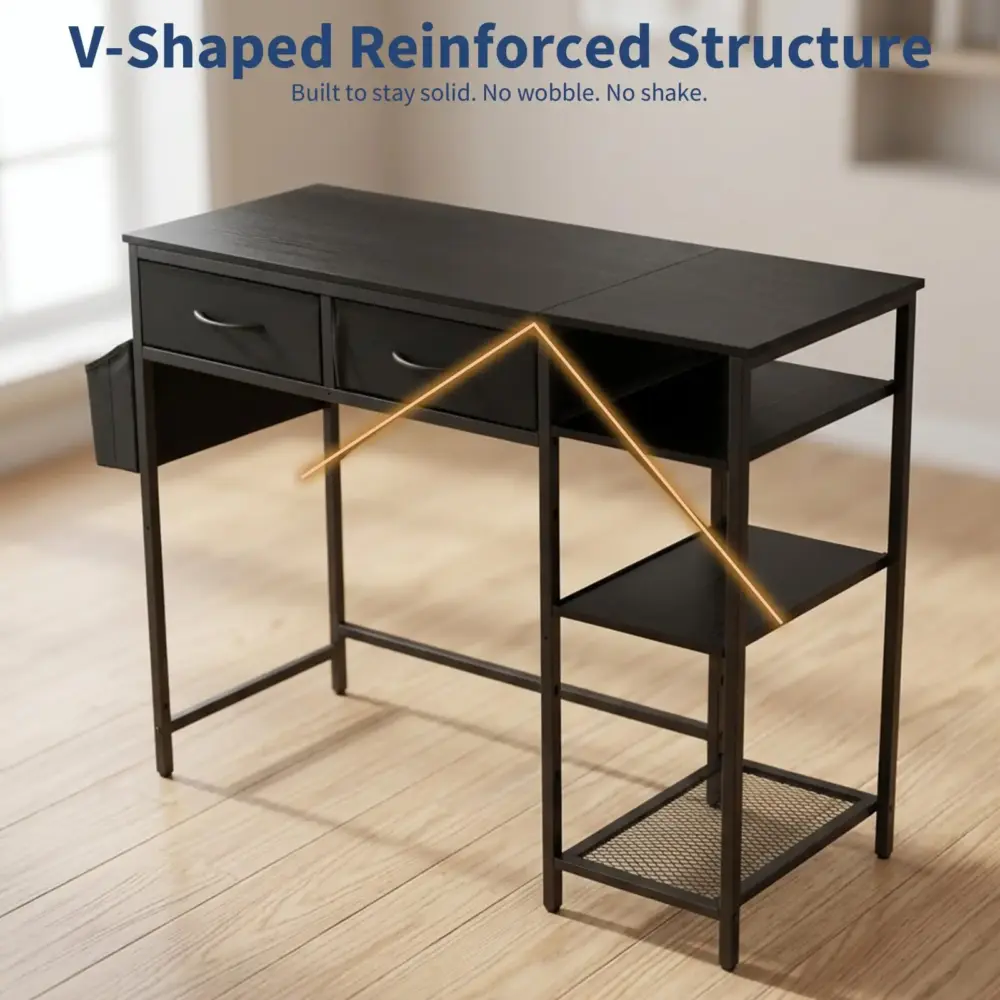
Home Office Writing Desk – Rectangular Wood Frame Computer Desk
FREE shipping $130.99Select options This product has multiple variants. The options may be chosen on the product page -
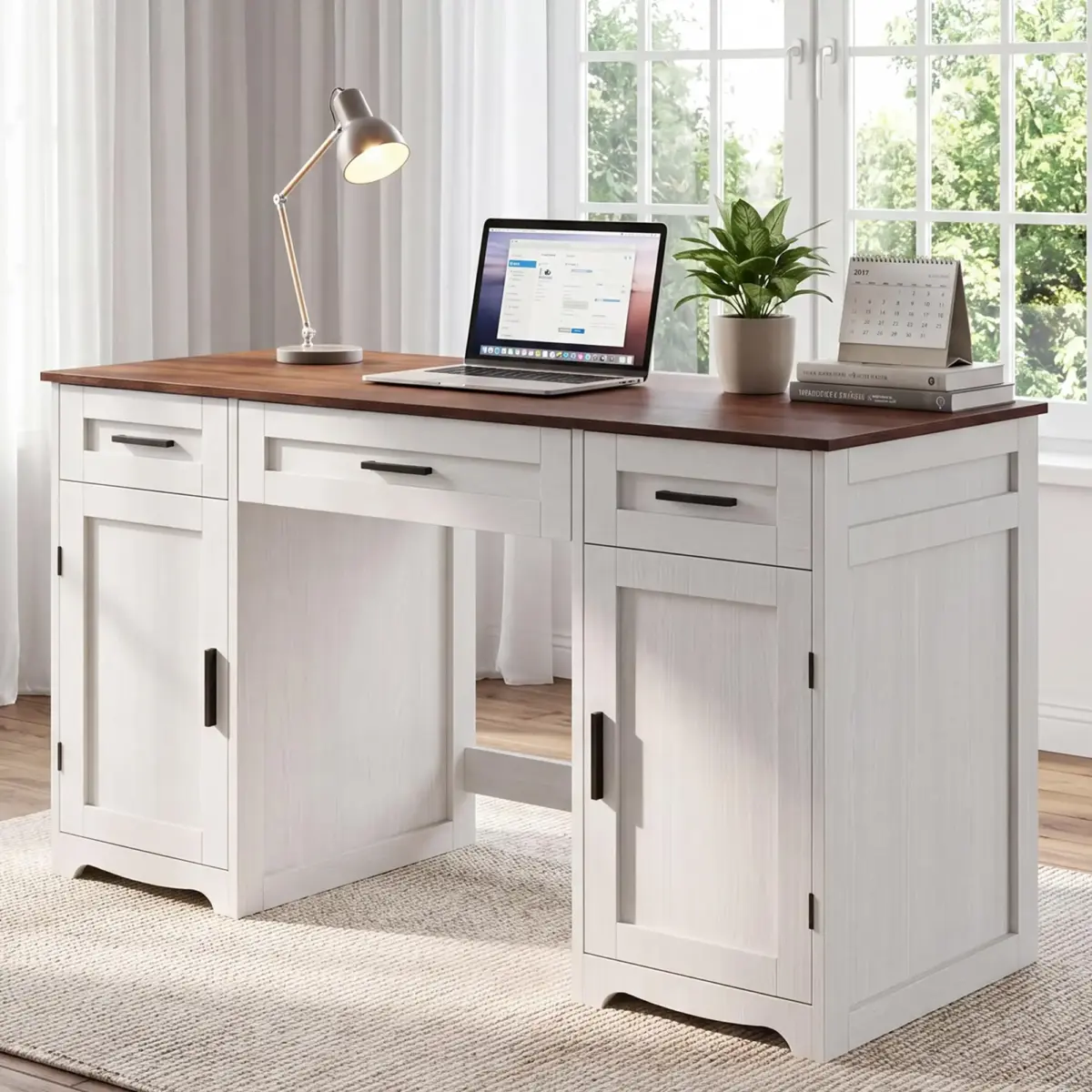
55.1 Inch Farmhouse Executive Desk with 3 File Drawers and Cabinets
FREE shipping Price range: $417.99 through $456.99Select options This product has multiple variants. The options may be chosen on the product page -
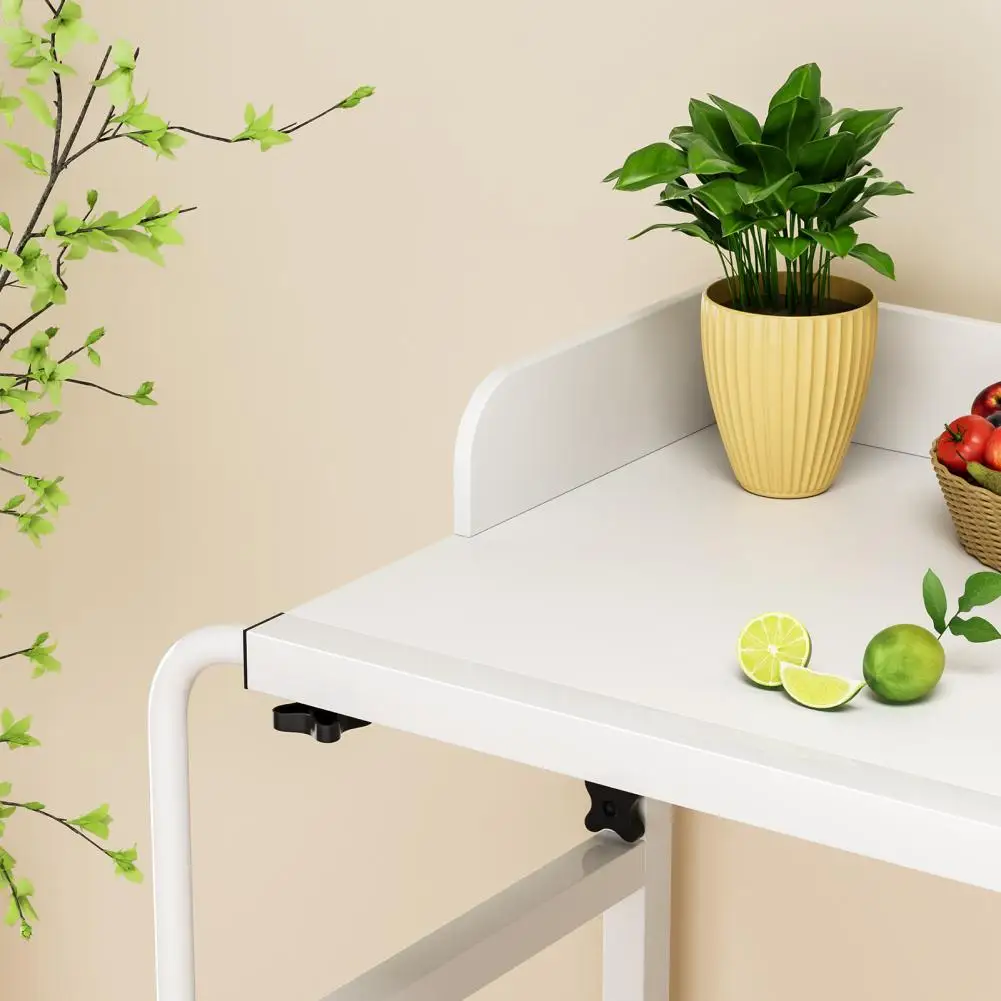
Height Adjustable Overbed Table – 47 Inch Rolling Laptop Desk
FREE shipping $174.99Select options This product has multiple variants. The options may be chosen on the product page -
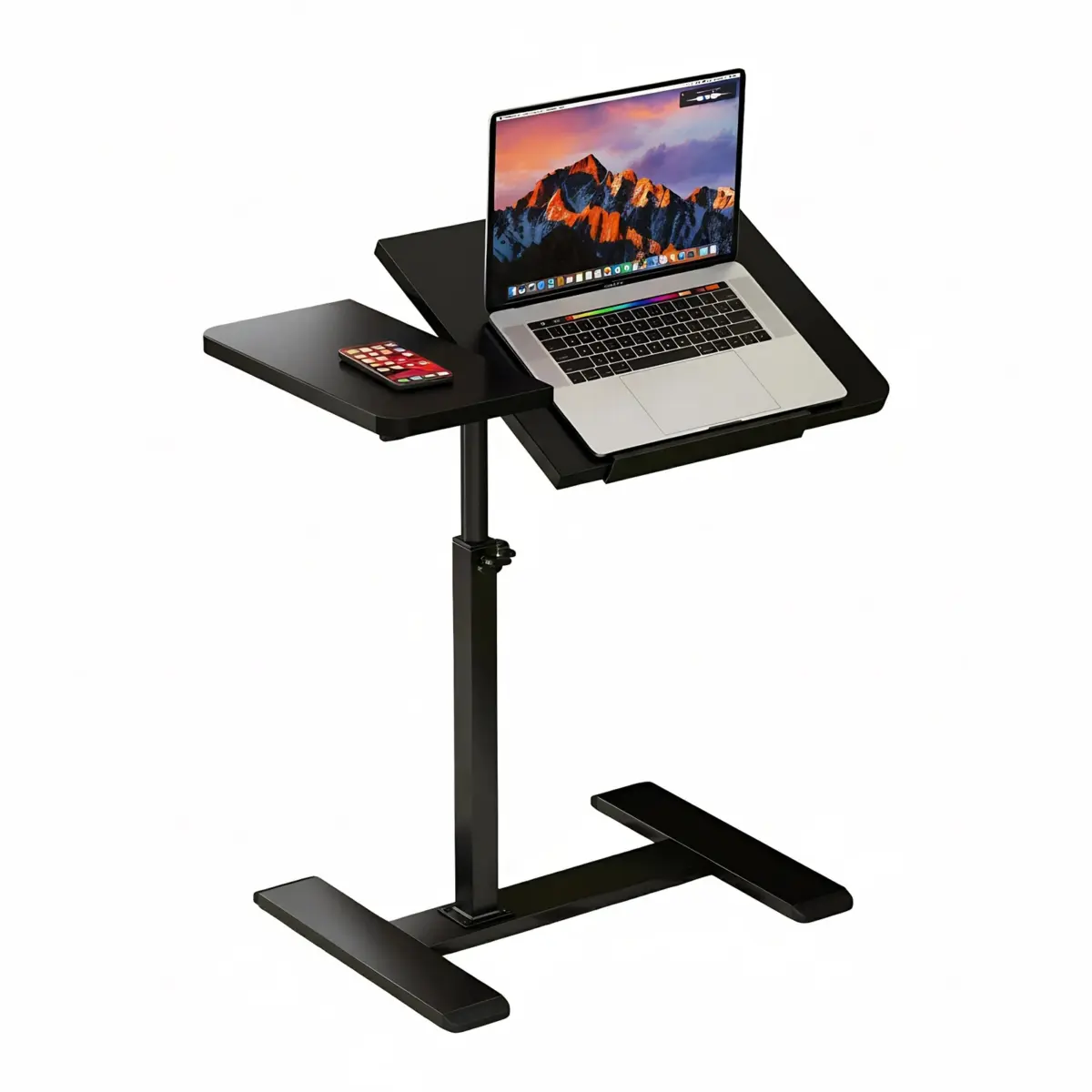
Adjustable Overbed Table with Wheels – Rolling Desk with Tilting Top
FREE shipping Price range: $117.99 through $123.99Select options This product has multiple variants. The options may be chosen on the product page -
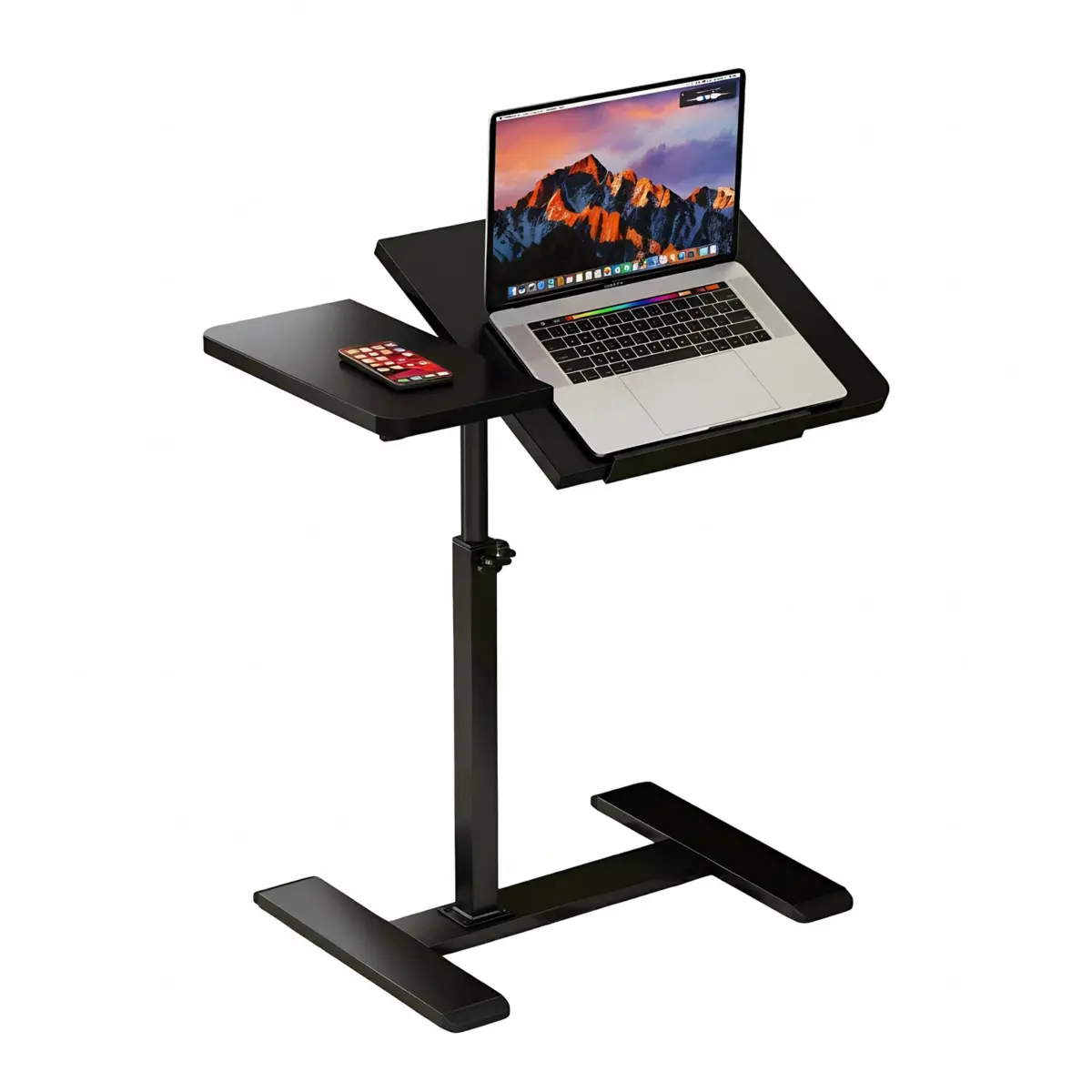
Adjustable Height Rolling Laptop Desk with Tilting Top and Side Tray
FREE shipping Price range: $80.99 through $123.99Select options This product has multiple variants. The options may be chosen on the product page -
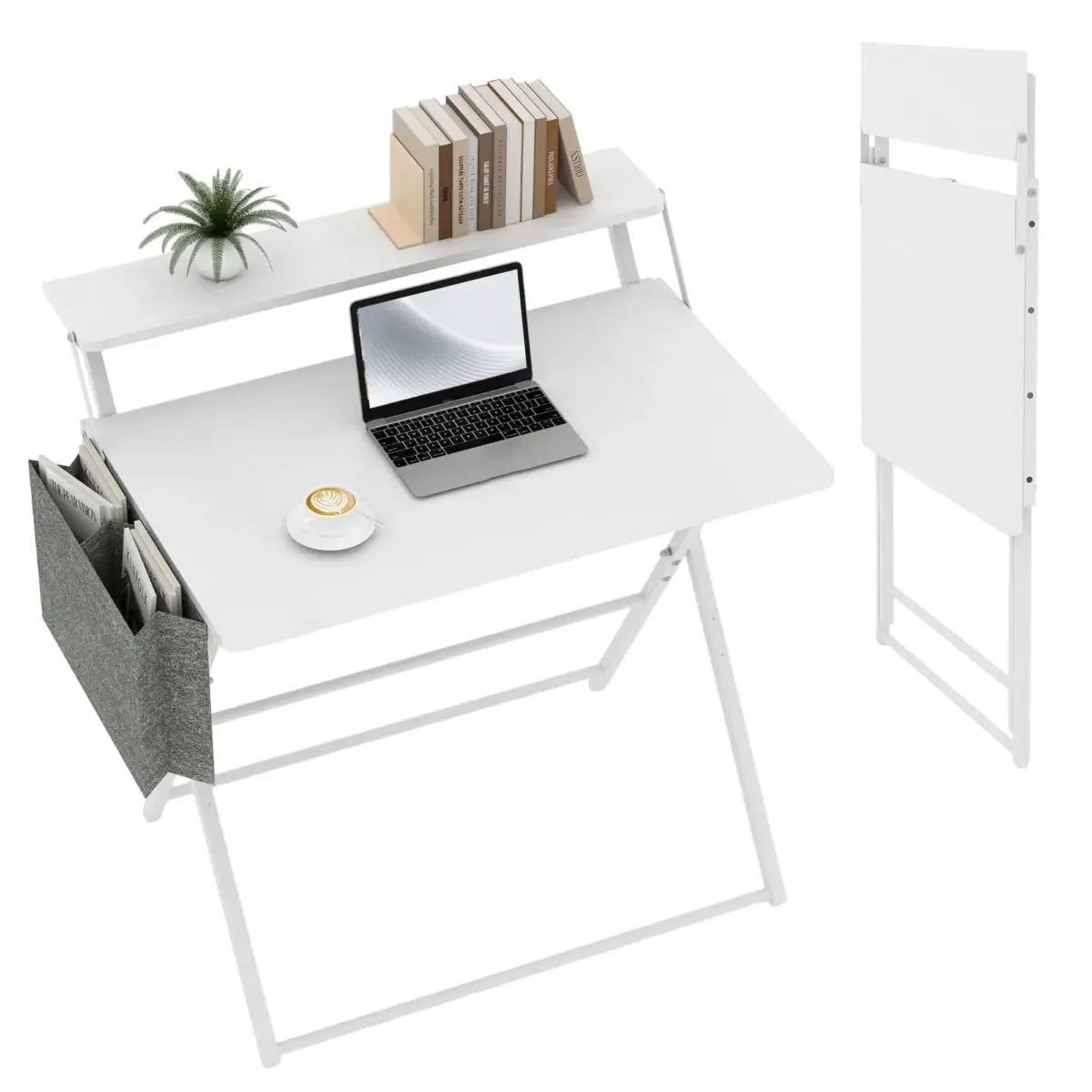
31.5″ Folding Computer Desk – No-Assembly, 2-Tier with Shelf, Pocket
FREE shipping Price range: $128.99 through $145.99Select options This product has multiple variants. The options may be chosen on the product page -
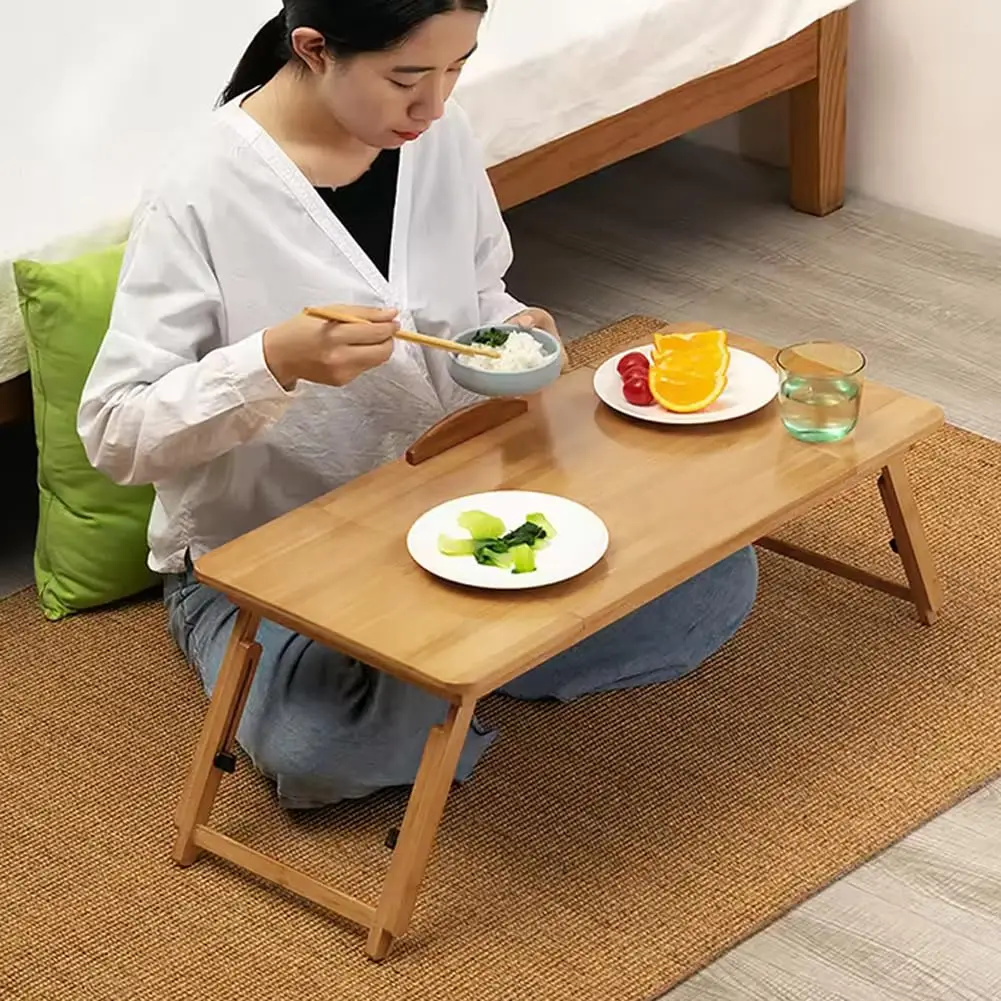
Wooden Laptop Desk for Bed – Adjustable Height, 4 Tilt Angles, Drawer
FREE shipping $48.99Select options This product has multiple variants. The options may be chosen on the product page -
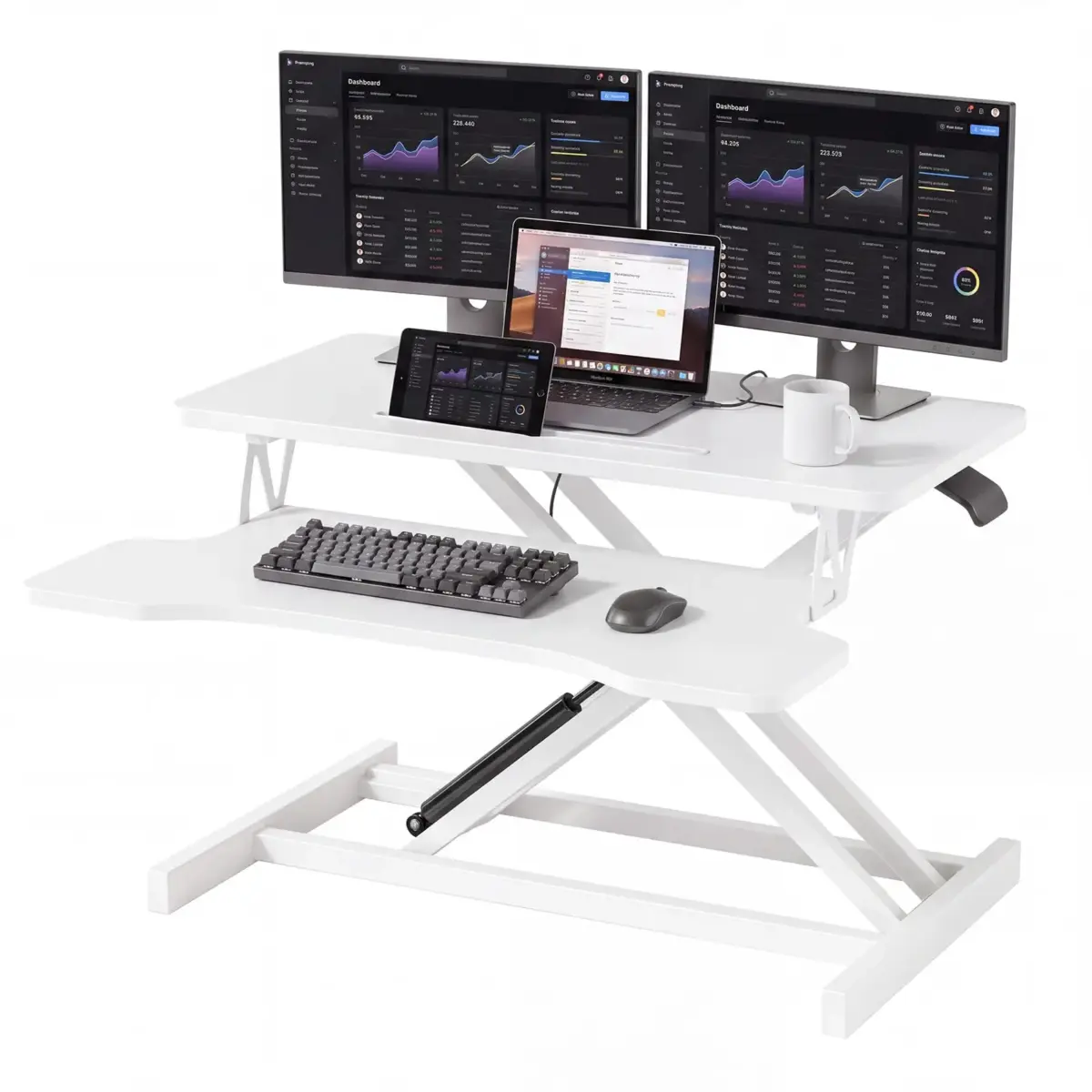
Height Adjustable Standing Desk Converter with Keyboard Tray
FREE shipping Price range: $170.99 through $172.99Select options This product has multiple variants. The options may be chosen on the product page